Hard limits
Budget, district, number of rooms and area - what the client called a condition, not a preference.
The realtor writes down the client's request once. The “Find on the market” button opens the market with that request, and the selection goes to the client as one link - the card shows what was sent.
District, budget, rooms, floor - the request is in the card and visible right in the client list. No need to reread the feed: the market opens already matching the request.
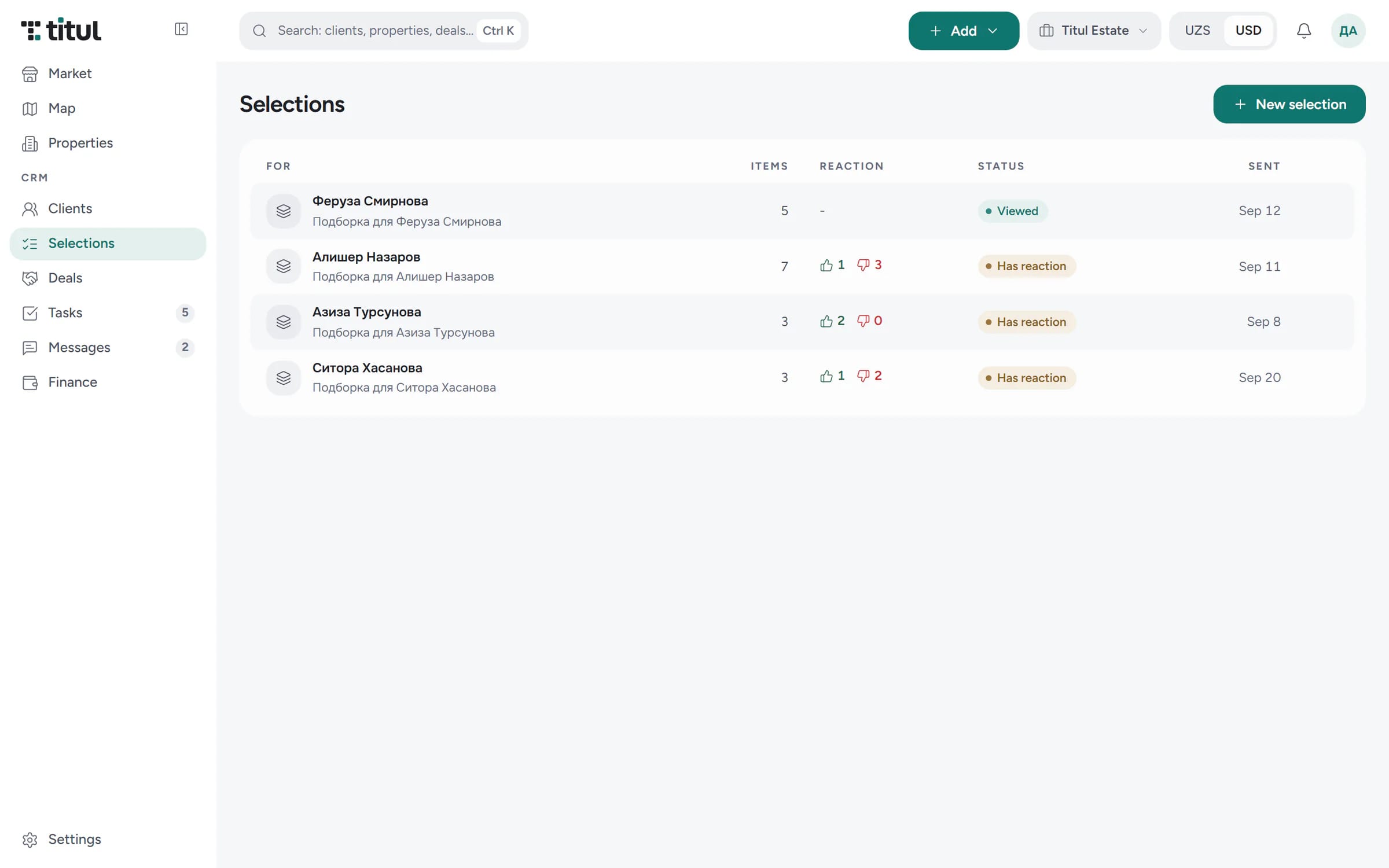
Picked the properties - the client gets one link with photos and prices. The client card shows what was already sent and how the client reacted to each option.
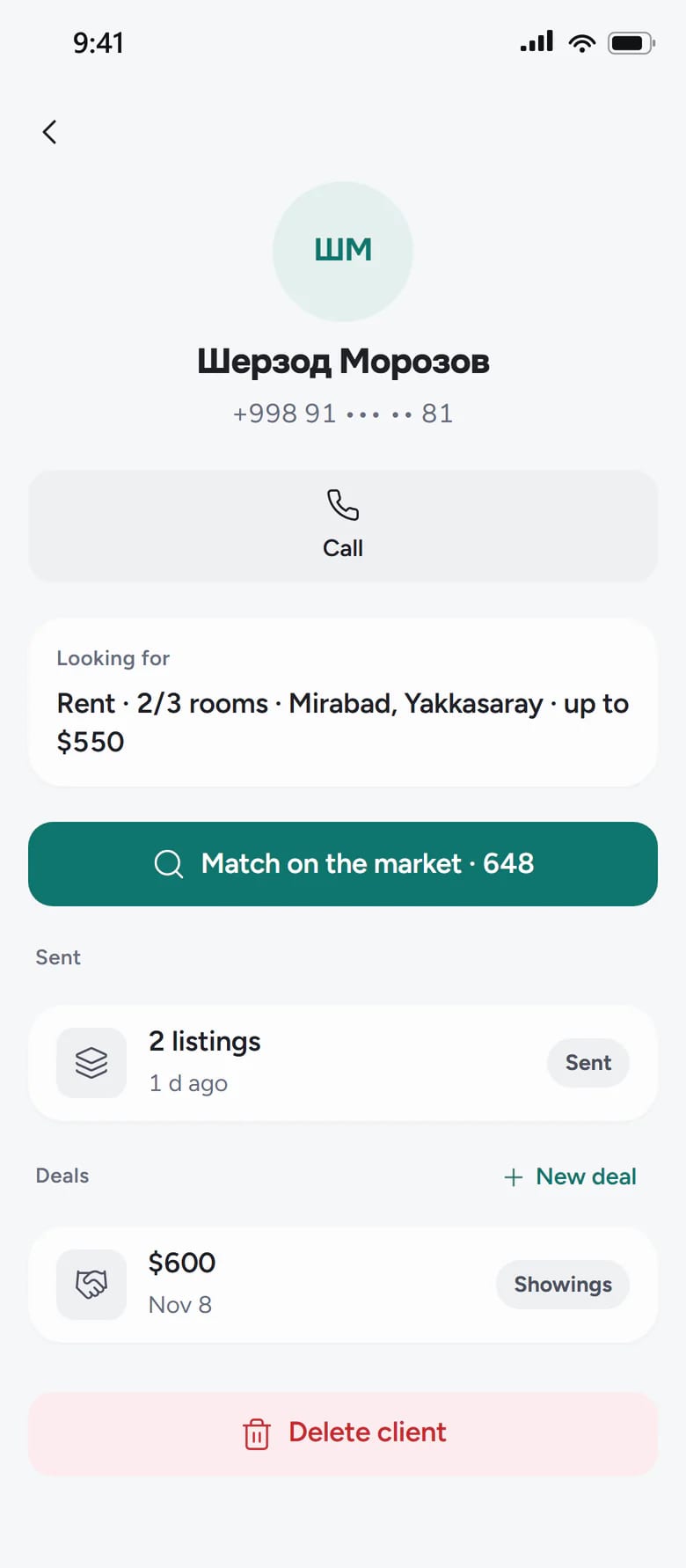
Budget, district, number of rooms and area - what the client called a condition, not a preference.
Save the request as a search - the Titul bot sends new listings that match it.
In a selection you can set your own price and description for the client.
No: a selection can hold both your listings and market listings.
The limits are enough - budget and district. The more details, the shorter the list, but the market opens with the minimum too.
The realtor assembles the selection and sends it to the client. There is no automatic messaging to the client behind the agent’s back.
Sign-up takes three steps from your phone. Write down the client's request, tap “Find on the market” and send the selection.