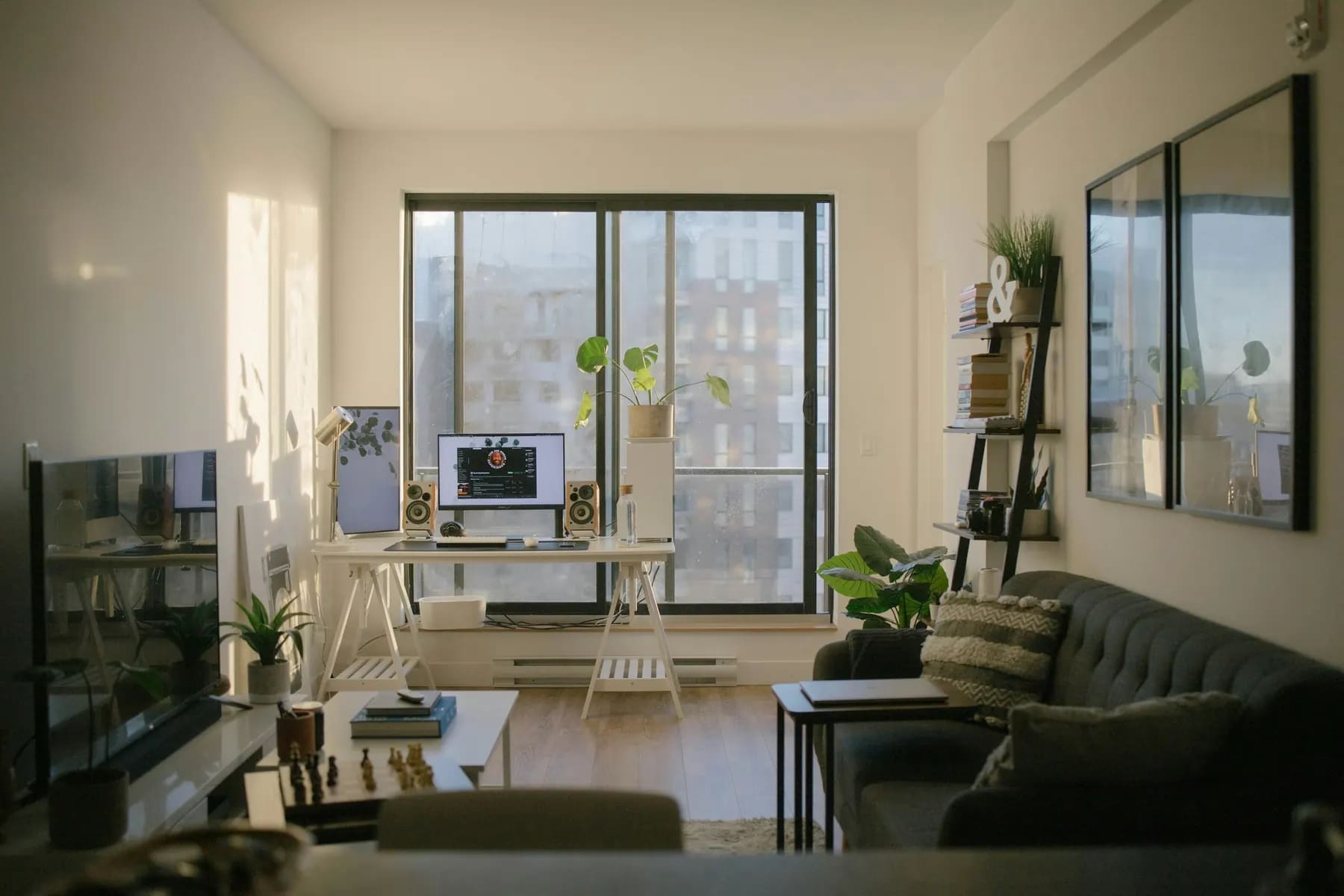
An apartment listing that gets calls: headline, photos, price and text

The job of an apartment listing isn’t to sell the apartment but to get a call from a suitable buyer. The viewing sells; the listing decides whether there will be a viewing at all. On Tashkent’s listing sites a listing has a few seconds in the feed and a minute after the click. Let’s look at how to use them: the headline, the first photo, the price and a text that answers questions before they’re asked.
How a buyer reads a listing
A buyer scrolls the feed quickly and looks at three things: the first photo, the price and the details in the headline. If any of these doesn’t match their request or raises a question, they scroll on - even if the apartment would have suited them. Having opened a listing, they flick through the photos, compare the price per metre with neighbouring options and only then read the text. They decide to call when the main questions are already answered and the remaining ones are easier to ask by voice.
Hence a simple conclusion: everything that can be stated as a fact should be in the listing. Every question a buyer has to ask in a chat is a chance they won’t ask it and will choose a listing where the answer is already there.
The headline: facts, not emotions
The headline works as a filter. A buyer searches for “a two-room flat in Yunusabad up to a certain price”, not “a luxurious dream apartment”. Adjectives in the headline don’t bring calls - they take up space where facts could be.
Weak headline
“Urgent! Luxurious apartment! Negotiable!”
- No rooms, no area, no district
- “Urgent” reads as “something is wrong with the apartment”
- “Negotiable” in the headline lowers the price in advance
Strong headline
“2 rooms, 62 m², 5/9, brick, renovated, Yunusabad”
- The details are visible right in the feed
- The right buyer recognises their request
- The wrong one doesn’t waste your time with a call
If the site limits headline length, keep what most distinguishes your apartment from its neighbours: a local landmark, the building type or the condition. There’s no point repeating in the headline what the site already shows in separate fields.

The first photo decides the click
The first shot is the listing’s cover in the feed. It should show the apartment at its best and make it immediately clear what kind of home it is. Usually that’s the brightest, most spacious room, or the view if it’s genuinely strong. A building facade, an entrance or a photo of a document on the cover almost always loses.
- Shoot in daylight, with curtains open and lights on.
- Hold the phone horizontally at chest height, with vertical lines straight.
- Shoot from a corner of the room so two walls and the window are in the frame.
- Order the photos like a visitor’s route: hallway, living room, kitchen, bedrooms, bathroom, balcony, view.
- Add a floor plan: even a hand sketch answers “how are the rooms laid out”.
Price: show it and explain it
A listing without a price, or marked “negotiable”, gets fewer calls from suitable buyers: they have to spend time finding out the most important thing. State the price, and keep it the same across all channels. Different prices on different sites look like uncertainty and become a bargaining argument.
A buyer immediately converts the price into price per metre and compares it with neighbouring listings. So the best thing you can do before posting is to price within the range of comparable apartments, not above it. We covered how to find that range in the article on valuing an apartment. If the price is above the neighbours because of a specific advantage - a fresh renovation, a view, parking - name that advantage in the first line of the text.
The text: facts, benefits, viewing terms
A good listing text is short and predictable: a buyer finds answers to their questions in half a minute. It helps to keep the same five-block structure.
The structure of a listing text
Five blocks, top to bottom
What it is1-2 sentences
Rooms, area, floor and number of floors, building type, year built.
Condition and what stays2-3 sentences
The renovation without adjectives: what was done and when; furniture, appliances, air conditioners.
Building and courtyard1-2 sentences
Lift, entrance, parking, playground, neighbours on the floor.
Neighbourhood1-2 sentences
Metro and stops, schools and kindergartens, market, park - with walking distances.
Documents and viewings1-2 sentences
Documents ready for a deal, when it’s convenient to view, how to get in touch.
Notice what the example doesn’t have: exclamation marks, the words “cosy” and “luxurious”, phrases like “call me and I’ll tell you everything”. Every sentence answers a question the buyer would otherwise ask in a chat.
Mistakes that eat up calls
Scroll the table sideways
| Mistake | What happens | How to fix it |
|---|---|---|
| No price | What happensSuitable buyers scroll past | How to fix itState a price, the same across all channels |
| Dark vertical photos | What happensThe apartment looks smaller and worse | How to fix itReshoot in daylight, horizontally, from the corners |
| Text made of adjectives | What happensQuestions come in by chat or don’t come at all | How to fix itFive blocks of facts |
| Wrong district or map pin | What happensThe listing isn’t found by filters | How to fix itCheck the address and pin after posting |
| Reposting every day | What happensBuyers see the apartment has been up for a long time | How to fix itUpdate only when something really changes |
| Not available for viewings | What happensThe buyer goes to see another apartment | How to fix itState convenient times and keep the phone on |
After posting: the first three days
Posting the listing is half the job. The other half is making sure people see it and that someone answers the calls.
- Open the listing on a phone the way a buyer will see it: photos, price, map, text.
- Find it through the site’s filters by your district and price - if it doesn’t show up, check the fields.
- Answer calls and messages in the first hours: a fresh listing gets the most attention at the start.
- Note buyers’ questions - a repeated question means the answer isn’t in the text.
- After three days, reread the listing and add answers to those questions.
If there are almost no calls in the first days, start with the first photo and the price, not the text: buyers only get to the text when the photo and price have already satisfied them.
Updating without losing trust
The temptation to “bump” a listing by deleting and reposting it is understandable. But buyers who search one district for weeks remember apartments, and realtors see the property’s whole history: the date of the first listing and every price change. In the market mirror one property’s listings from different sites are merged, and a reposted apartment stays the same apartment with the same history. Update the listing when something has actually changed: new photos, a new price, available earlier than planned.
A listing sells the call. The viewing sells the apartment. Don’t mix up the two jobs - and both get easier.
For agencies: one standard for every agent
When every agent in an agency has their own listing style, buyers see not an agency but a set of random texts. One template - five blocks, photo rules, a single headline format - makes listings recognisable and saves newcomers time. And properties you want to show clients via a link are best kept on the agency storefront: it takes photos and descriptions from the property card and removes sold properties itself.
The headlines and text in the article are teaching examples; the apartment is fictional. Sites’ rules on headline length and number of photos change - check them before posting.